What does it mean to organically integrate technology? In our book, The Complete EdTech Coach: An Organic Approach to Supporting Digital Learning, we state "If you plan with the 4C's in mind, the tech will take care of itself". This means we lead with learning, never with tech. Using our 4C's lesson design process, teachers identify a learning goal and brainstorm how students will engage in communication, creativity, collaboration and critical thinking. As the coach in this process, we rely heavily on the teacher, drawing upon their content expertise and years of experience. They know their content and students best and we will recommend technology we know resides in their teacher toolbox and only if it fits naturally. If no tech is required to enhance the learning process, we will not force it.


This day of professional learning begins by building teacher capacity and adding to their teacher toolbox. Using Google Workspace for Education tools primarily, we will show how use simple tools and strategies in innovative ways.
Executive Processing and Simple Tools for English Learners
Teachers will learn executive processing skills to expedite their workflow and how they can impart these same skills to their students. From there, we dive into simple tools that will give English learners access to content and curriculum. Supporting English learners is something all teachers must do, and we will demonstrate ideas, tips and tricks that hide in plain sight, and can be used effectively by anyone.

Engagement with Chromebooks
Too often Chromebooks are used only as tools for word processing or algorithm-based learning programs. Using Chromebooks in this manner does not engage all learners in the 4C's and makes students passive consumers of content. During this portion of the day, we will investigate ways to use Chromebooks to guide your students to be active creators of content. We'll take a look out maximizing the Chromebook's camera, built-in screen recording app and ways to strike a healthy balance of paper/pencil with technology.
Google Classroom Shells
With all of these ideas, skills, tips, tricks and strategies at the forefront, we will next take a deep dive into the development of Google Classroom Shells. Google Classroom Shells are a simple way to power up PLCs and departments increasing ability to collaborate. Attendees will learn to develop Shells for go-to lessons, common activities, common assessments, Eduprotocols, specific curriculum and even PE classes.

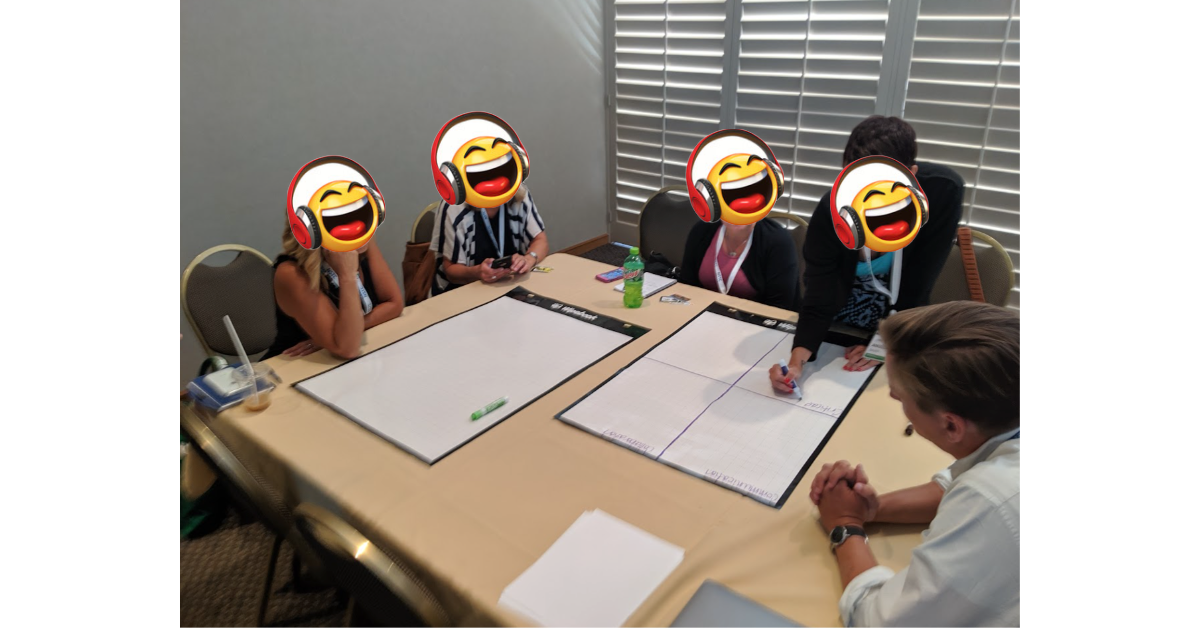
Now that attendees' toolboxes have begun to fill, this day of professional learning will culminate by designing lessons using our 4C's lesson design process. Using a simple 4 square, presenters will guide teachers in a brainstorm in how students will work towards a learning goal while engaging in each of the 4C's. The presenter will rely and draw upon the teachers' years of experience, content expertise and tech toolbox empowering them to organically integrate technology into the lesson. They will be given time to work one on one with the presenters, in groups and or with department/PLCs. Attendees will end the day with at least one lesson they can use in class the next day.
Are you interested in an action packed day of professional learning and lesson design like this? If so, please reach out to AdaKat EdTech Consulting. Click here to book an appointment discuss logistics and pricing. Click here to purchase a copy our book The Complete EdTech Coach: An Organic Approach to Supporting Digital Learning.