Showing posts with label extensions. Show all posts

Tuesday, January 10, 2023

Simple Google Tools to Give English Learners Access to Curriculum

English learners often feel left out and teachers struggle to find ways to simply give them access to content. Have you ever felt a little uncomfortable trying to help give English learners access to content? If so, Google has a variety of easy to use tools that help teachers accommodate the learners and empower the learners to access the content. In this session, we will explore Google Docs/Slides Add-ons, Google Chrome extensions and systems to not only give access, but help aid with their development with the English language.


This session will demonstrate simple ways to use Google to give ELLs access to content in their home language and side-by-side with English. A common practice when attempting to give English learners access to content, teachers create separate versions of content or assignments in the home language. This can make English learners feel alienated, and at the same time, it does not help them grow with the English language. Don't get me wrong, there is a time and place for separate versions in the home language, but in this session, we will take a look at simple tools and systems to provide side-by-side translation in the same resource or activity. This can begin to help English learners feel included, accommodated and develop with the English language.


In this session, attendees will:


  • Take a look at tools built into Google Docs to aid with translation

  • Investigate Chrome extensions to help English learners access curriculum and engage

  • Demonstrate Add-ons in Google Docs and Slides for translation and engagement

  • Develop a system for side by side translation, not just versions in different languages

  • Practice using Google Translate conversation mode to enhance your ability to give in-person, real-time feedback


If you would like to bring me to your school for PD, workshops, a keynote, training or a follow-up on this or previous blogposts, click here to schedule an appointment to chat.

My book, The Complete EdTech Coach: An Organic Approach to Digital Learning, co-authored with my wife Katherine Goyette is now available on Amazon. Click here to purchase. It is published by Dave Burgess Publishing. Be sure to follow the hashtag #OrganicEdTech and #CVTechTalk for updates.

Thursday, February 17, 2022

Fullscreen Interactive Google Slides: The Chrome Extension You've Been Waiting For!


Google Slides is such a versatile tool. The possibilities are virtually endless. One thing I know I've wanted to be able to do with Slides is to quickly and easily annotate over my slides fullscreen. In the past, we had to be in edit mode which makes the slides smaller. If you're trying to do a demonstration or guided practice with students, this can be difficult for them to see. 

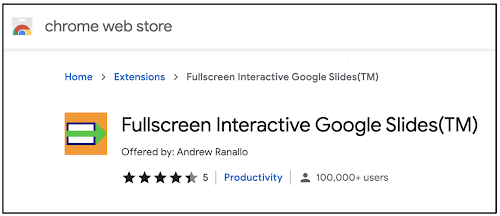
But what if you could annotate fullscreen? If you've been wondering the same thing, the answer is here in the form of the Fullscreen Interactive Google Slides Chrome extension. Click here to add to your Chrome browser. 


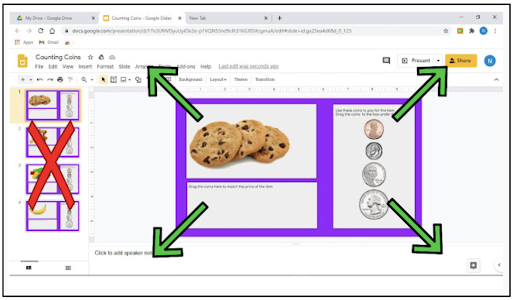
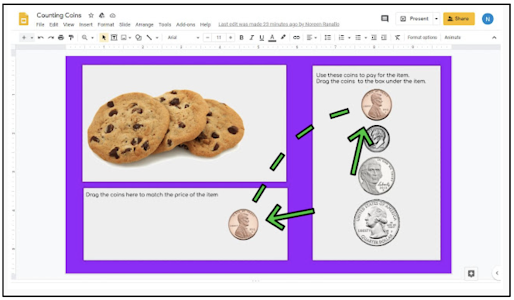
This extension, once installed, allows you to, with the click of a button, make the edit mode of your slide to go full screen. This will enlarge the viewable area all the while continuing to give you access to the toolbar to annotate and manipulate the slide. No need to click Slideshow or Present.


Below is what it looks like when using the extension. You can see the slide in a much larger, fullscreen area. All tools are at your disposal. This can be great for guided practice and helping students see the lesson better.


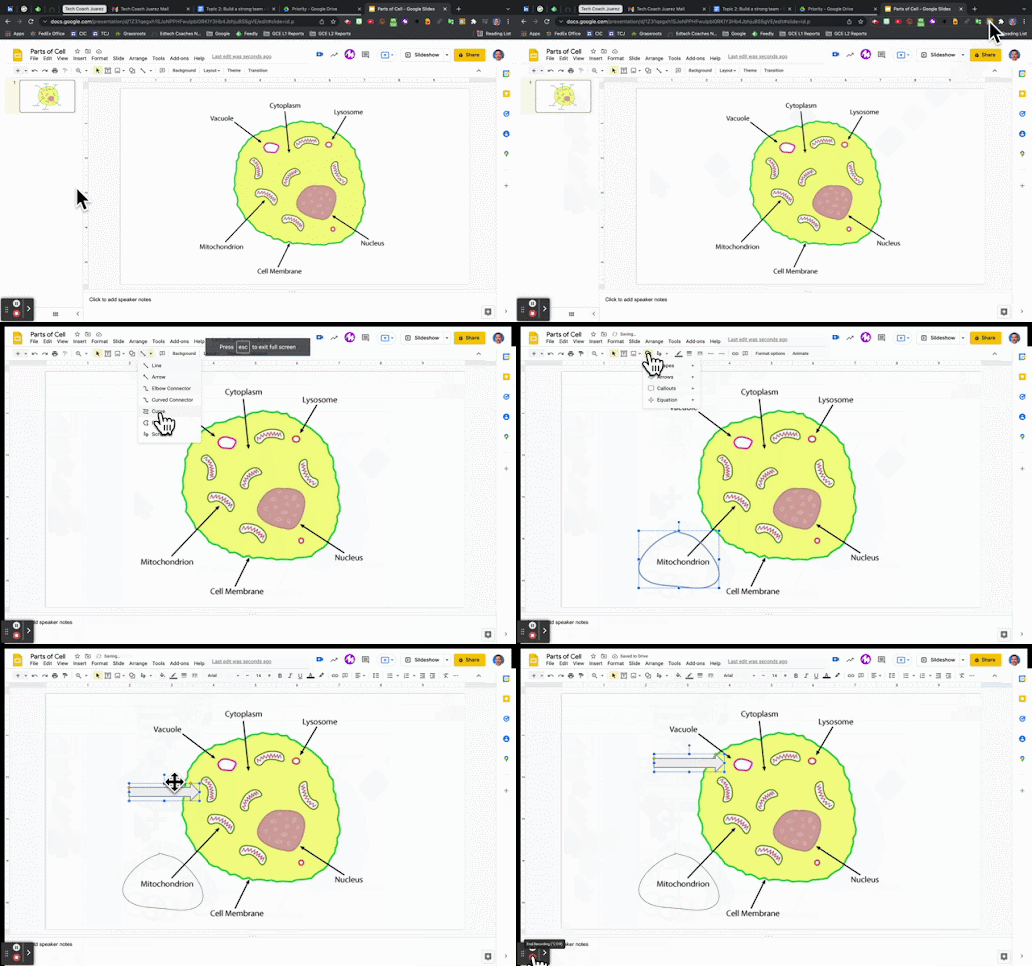
The GIF below shows the extension in action.


How might you use the Fullscreen Interactive Slides extension? If you have any questions and would like a follow up, contact me via Gmail or Chat at ajuarez@techcoachjuarez.com. 

My book, The Complete EdTech Coach: An Organic Approach to Digital Learning, co-authored with my wife Katherine Goyette is now available on Amazon. Click here to purchase. It is published by Dave Burgess Publishing. Be sure to follow the hashtag #OrganicEdTech and #CVTechTalk for updates.